Optimizing Design Files for Print on Demand: DTG vs Sublimation Made Simple
.webp)
In the print on demand business, the way you prepare your design files can make or break the final product’s quality. Optimizing your files specifically for print methods like DTG (direct-to-garment) and sublimation can save you money, improve print sharpness, and boost customer satisfaction.
Each method has unique requirements for colors, resolution, and file formats, so using a one-size-fits-all design often leads to costly mistakes or disappointing results. Getting this right means you’ll avoid common pitfalls and deliver products that look exactly as you expect.
If you’ve ever dealt with fuzzy prints or colors that don’t pop, you know how crucial tailored design files are. For a deeper look at avoiding those issues, check out the Print on Demand Order Issues Guide, where we tackle how small tweaks in your files can prevent big frustrations.
Ready to fine-tune your designs for DTG and sublimation? Let’s break down what you need to know.
Understanding Different Print Methods: DTG vs Sublimation
When you step into the print on demand world, knowing the right print method for your designs is a game changer.
Both DTG and sublimation offer unique advantages, but they operate in completely different ways.
Understanding those differences upfront will help you optimize your design files to get the best results for your business.
Here’s a clear breakdown of how each method works, what kinds of designs and materials they suit best, and what that means for your files.
Direct to Garment (DTG) Printing Overview
Direct to Garment printing, or DTG, is like using an inkjet printer but for clothing.
The printer applies water-based inks directly onto textiles, usually cotton or cotton blends, allowing for intricate and colorful prints without needing screens like traditional methods.
This method is excellent for designs rich in detail, gradients, and photographic elements.
Here’s why DTG is a favorite for print on demand entrepreneurs:
- Ideal fabrics: Best on 100% cotton or high-cotton blends since the ink soaks well into the fibers.
- Design complexity: Handles complex, multi-color designs without setup costs; perfect for short runs or one-offs.
- Print feel: The ink sits on the fabric, so it’s softer and less like a sticker feel than vinyl or transfers.
- Limitations: Best results on light-colored garments; dark fabrics require a white underbase print, adding cost and complexity.
If you want to dive deeper into how DTG works and its best uses, check out this Direct-To-Garment Printing: All You Need to Know.
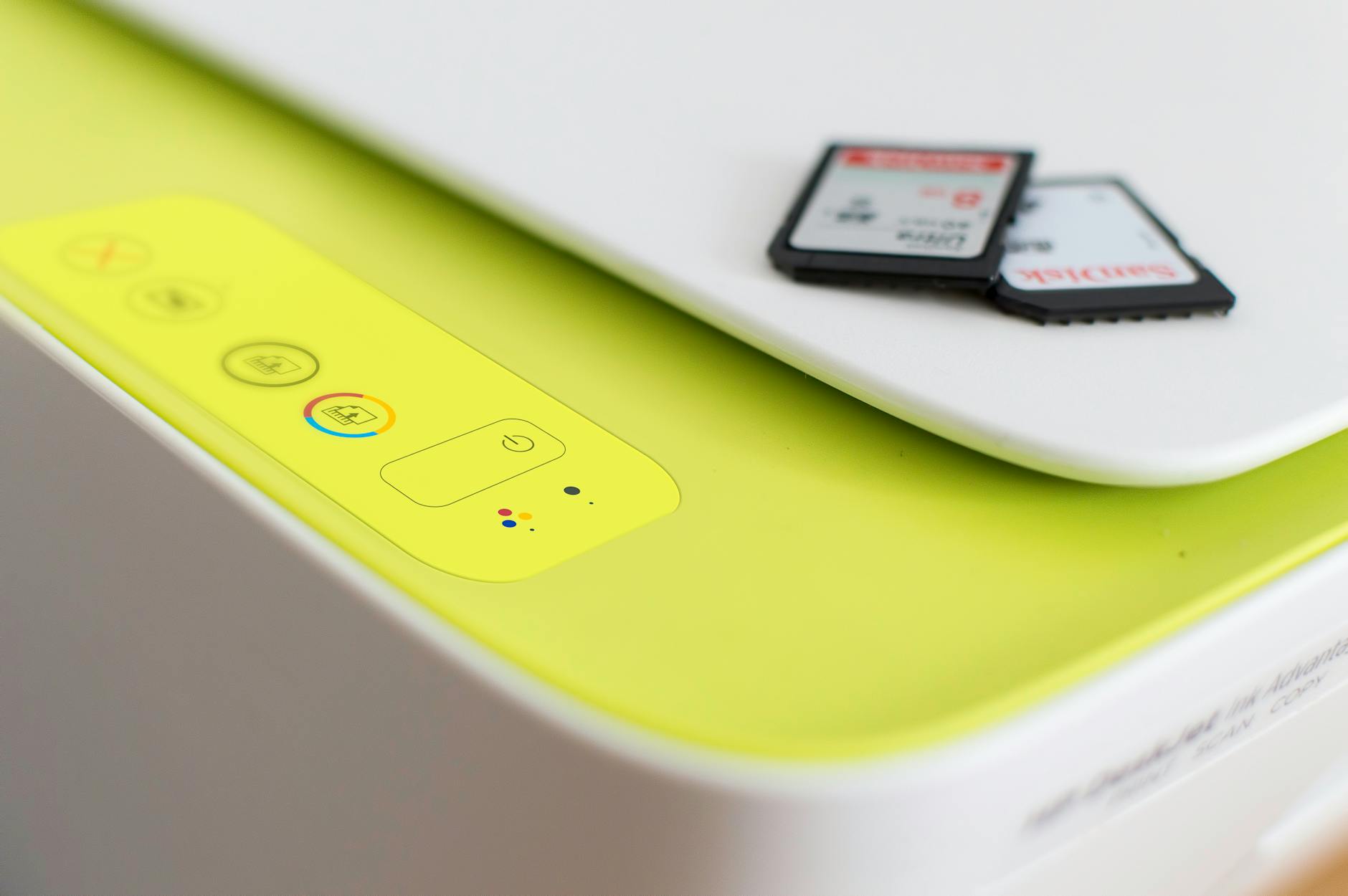
Photo by Fernando Arcos
Sublimation Printing Overview
Sublimation printing works a bit like magic—heat turns special dye inks into gas, which then bond permanently with polyester fibers or specially coated surfaces.
Instead of just sitting on top, the inks become part of the fabric, resulting in vibrant, durable designs that won’t crack or peel.
Here’s what makes sublimation stand out for print on demand:
- Best substrates: Polyester or polyester-coated items (think mugs, mousepads, or polyester shirts).
- Color vibrancy: Produces rich, full-color images with excellent detail and smooth gradients.
- Durability: Because the ink becomes one with the substrate, prints can last through countless washes without fading.
- Limitations: Can’t print on natural fibers like cotton; design colors may shift depending on polyester blend quality.
For a detailed look at the sublimation process and what it’s best suited for, this What is Sublimation Printing Process? is an excellent resource.
Key Differences and Design Implications
Knowing how these two printing methods differ will guide how you prepare your design files for each.
Here’s a side-by-side comparison that highlights what matters most:
| Aspect | DTG Printing | Sublimation Printing |
|---|---|---|
| Fabric compatibility | Best on cotton or cotton blends | Requires polyester or polyester-coated |
| Color vibrancy | Good, but slightly muted on dark fabrics | Bright, sharp, vibrant |
| Design complexity | Excellent for full-color, detailed designs | Great for full-color but limited to specific fabric types |
| Cost-effectiveness | Cheaper for short runs and custom orders | More cost-effective for bulk orders |
| Print feel | Soft, ink on fabric | Ink embeds into the fabric, no texture |
| Design constraints | White underbase needed on dark textiles | White or light-colored polyester only |
From a design perspective, if you’re working with DTG, you need to pay close attention to the resolution and color profiles to avoid dull prints, especially on darker garments. Sublimation, meanwhile, demands designs be created with the substrate’s polyester nature in mind—colors appear differently, and pure cotton won’t work at all.
Understanding these differences helps you avoid costly mistakes like uploading files with the wrong color profiles or resolutions. You’ll save time and keep your customers happy by delivering exactly what they ordered.
If you want to see more about DTG’s workings and best practices, What Is Direct To Garment (DTG) Printing? The Complete Guide offers additional insights to help you master file prep.
For print on demand entrepreneurs, choosing the right method for your product type is half the battle. It’s like picking the right brush for a painting—the better the fit between paint and canvas, the better the art.
Next up, you'll learn practical tips on how to tweak those design files specifically for DTG or sublimation to get crisp, professional results every time.
Meanwhile, if you want to revisit print on demand basics and troubleshoot common issues, the Print on Demand Order Issues Guide has you covered.
Preparing Design Files for DTG Printing
Getting your design files right for DTG (direct-to-garment) print on demand isn’t something to wing.
Think of it as prepping a recipe—if you start with the best ingredients and follow the right steps, your final creation looks and feels pro.
The details matter: choosing smart file formats, nailing your color setup, and making sure your design shows up just where you want on the shirt or hoodie.
Here’s exactly how to set your files up for DTG success.
Choosing the Right File Format and Resolution
A blurry or pixelated print is every designer’s nightmare. The best way to dodge that fate?
Stick to high-resolution design files and formats that respect your transparency needs.
Key strategies for crisp, pro-level DTG results:
- Save as PNG or TIFF: Both support transparent backgrounds, which means your graphic prints clean and there’s no unwanted box around your artwork.
- Start with high resolution: Aim for at least 300 DPI (dots per inch). Some platforms let you squeak by with 150 DPI, but you’ll see sharper results at 300 DPI.
- Big prints mean bigger files: If you want a design to cover the chest on a T-shirt, create it at the final print size. For example, an adult tee design should be at least 12 by 16 inches at 300 DPI.
- Avoid resizing small images up: Enlarging a small image won’t magically add detail; it just reveals the pixels.
For extra pointers on which file formats and settings play best with DTG, take a look at Create the perfect DTG file.
Color Profiles and Color Management
Color can look wildly different on your screen versus a printed tee.
That’s where color profiles save the day—but only if you know how to use them.
Simple steps to lock in color accuracy:
- Work in sRGB: Most DTG printers expect files in the sRGB color profile. This helps your design look more like what you see on screen once it’s printed.
- Preview in CMYK if possible: While DTG printing uses a mix of ink colors more like CMYK, submit your files in sRGB for best translation. Use CMYK previews to spot major shifts in color intensity, especially if you’ve loaded neon or very saturated tones.
- Convert only when needed: If your file started in RGB, don’t simply switch it to CMYK at the last step—it may flatten out some colors and details.
Want a deeper dive into color setups for your print on demand projects? This Color Matching Guide for Print-on-Demand Products walks you through avoiding the most common color pitfalls.
Design Size and Placement Considerations
It’s tempting to just center a design and call it done, but thoughtful size and placement make your product look retail-ready.
When planning for DTG, keep these best practices top of mind:
- Match print area to garment: Sizes vary, but most adult T-shirt print areas land around 12” wide by 16” high.
- Mind the seams and collars: Leave at least a half-inch margin away from all edges, collars, and seams to avoid awkward cropping.
- Scale for product type: Hoodies, tank tops, and kids’ apparel have different max print areas. Adapt your sizing for each garment.
- Check placement visually: Mock up your design on real product templates so you’re not surprised by odd placements or scale.
Remember, showing your artwork exactly where you want it helps set customer expectations and cuts down on returns. Small tweaks now pay off big when it’s time for launch.
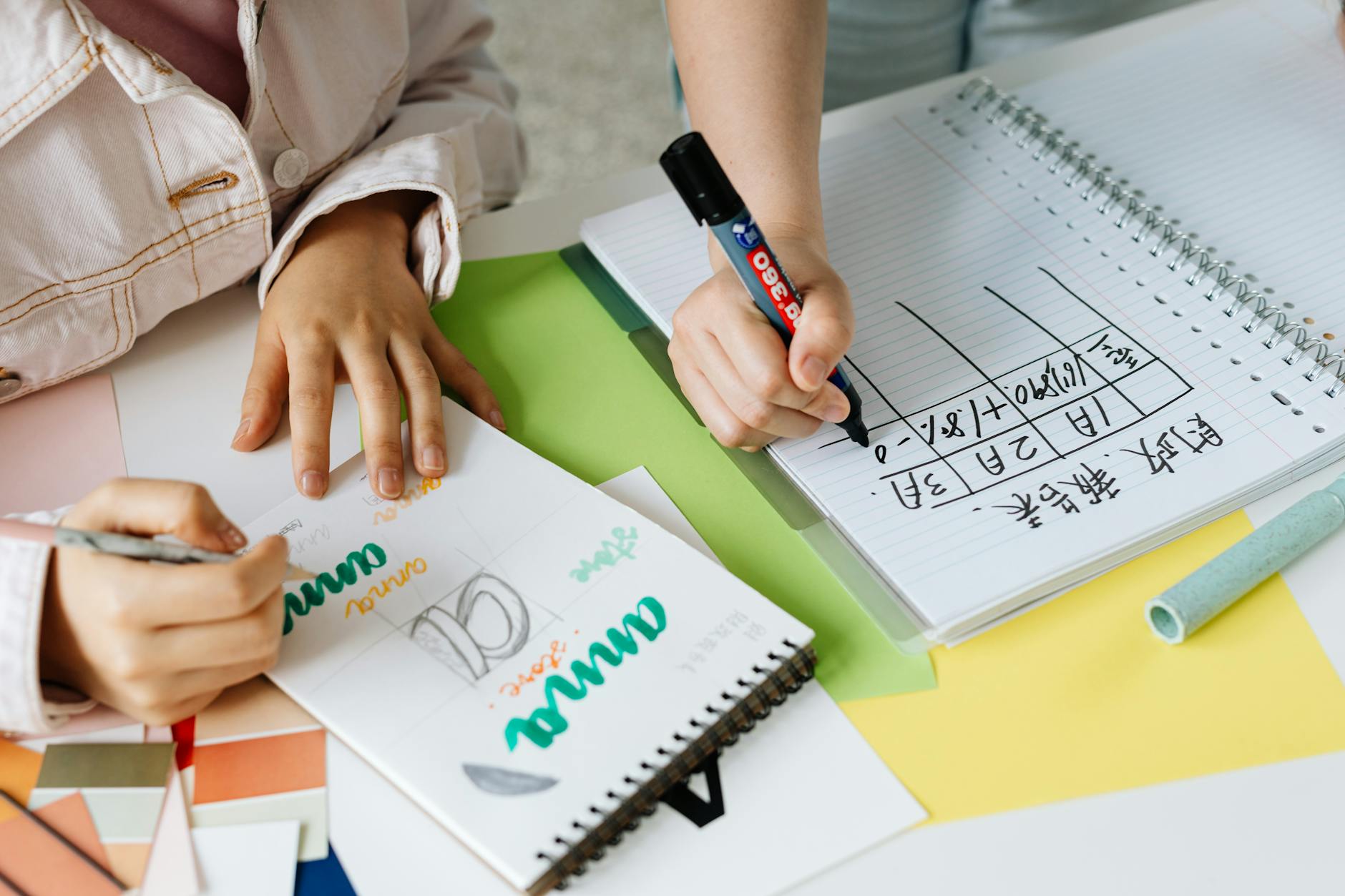
Photo by Kaboompics.com
If you want more on design strategies and common print on demand pitfalls, the Print on Demand Order Issues Guide breaks down what to do when things don’t show up as planned.
By setting up your files with these guidelines, you’ll help the DTG process work its magic—and save yourself a load of hassle down the line.
Preparing Design Files for Sublimation Printing
Sublimation printing is a favorite in print on demand for its bold color payoff and serious staying power.
But getting pro-level results starts before you ever hit “print.” Getting your file setup dialed in is non-negotiable:
with the right format, color settings, and an eye on your materials, you’ll dodge the headaches of dull prints and unwanted surprises.
If you want lasting, vivid prints that wow customers (and keep returns to a minimum), let’s unpack exactly how to prepare your designs for the sublimation process.
File Format and Color Space for Sublimation
Picking the best file format and color setup is the backbone of a good sublimation print. Most print providers recommend:
- PNG files: These are a solid pick because PNGs support transparent backgrounds and high resolution, which means crisp prints and flexible placement without fuss.
- Vector formats (SVG, EPS): Use these if your design is text-heavy, geometric, or needs to be resized for different products. Vector art won’t pixelate, even on oversized prints.
- High-Resolution JPEGs: These can work, but avoid them for designs with transparency—JPEG doesn’t support it.
For color space, here’s the scoop:
- Work in RGB during design, but convert to CMYK before print. Sublimation printers use CMYK inks, and colors can shift if you wait till the last minute.
- Always double check with your print provider’s settings. Some want your design in RGB, others demand a specific CMYK profile. Learn more by reading the Understanding Sublimation File Types guide.
Key takeaways:
- Save your files at 300 DPI at the intended print size for sharp, detailed results.
- Stick to RGB up to the final step, then proof your colors in CMYK for best accuracy.
- PNG and SVG are typically safest, but confirm with your POD platform.
Handling White and Transparent Areas in Designs
Here’s where sublimation really sets itself apart from DTG. Sublimation ink is basically a dye that only shows up where there’s pigment.
That means:
- White areas in your design don’t print as white. They show the blank material underneath. On a white polyester shirt, that’s no big deal. On a colored mug or mousepad, white turns into the product’s natural color, not actual white ink.
- Transparency matters: PNG files let you use transparency, but anything see-through in your design will also become the blank material. Plan for this in your layout.
If you love deep blacks or pastels, remember:
- Sublimation doesn’t use white ink, so you can’t print white accents on dark or colored materials.
Tips for working with transparency and “white” areas:
- Design for the base color. If you're printing on white polyester, your whites will be bright. For color substrates, rethink “white” details, use outlines, or swap white with a light shade that suits the base.
- Test on product mockups whenever possible. See how your design’s negative space will look before sending to production.
Want more clarity on prepping designs for this unique process? This guide on how to create sublimation designs covers useful design prep tips and lets you sidestep rookie mistakes.
Material and Print Area Constraints
Sublimation won’t work on just any fabric or surface. It’s picky—in a good way.
Here’s what you need to know:
- Only 100% polyester or polyester-coated blanks work. Cotton shirts, canvas totes, and most natural fibers are off the table. Stick with polyester tees, mugs with special coatings, mousepads, and similar products.
- Base color affects results: Sublimation shines on white or very light-colored bases. The underlying color will tint your design, and dark backgrounds can nearly swallow bright or light designs.
Print area also throws some curveballs:
- Each product has its own maximum print zone. T-shirts might allow an oversized chest print, but a mug or cap will have a much smaller template.
- Oversized or “all-over” prints look stunning with sublimation, but you need an enormous, well-prepped file for edge-to-edge designs.
To make sure you hit the mark every time:
- Check your print provider’s template for each product. This helps you avoid clipping, stretching, or awkward placement.
- Build in bleed (extra image area) if an all-over print is offered. That way, no white border sneaks in around the edges.
For more on how materials affect sublimation quality and how to prep for different blanks, this sublimation printing for print-on-demand guide gives you clear pointers and pro tips.
If you want to dig even deeper into smart product choices, check out the step-by-step guide to sublimation shirts for a walk-through that takes you through prep to pressing.
And remember, designing for sublimation is all about harnessing the unique strengths of the process—brighter colors, stronger durability, and the freedom to print edge-to-edge if you’ve got your files set up just right.

Photo by Kevin Malik
Common Pitfalls and Tips for Print On Demand Entrepreneurs
Running a print on demand business comes with its own set of challenges, especially when it comes to preparing design files tailored for specific printing methods like DTG and sublimation.
Facing issues such as color mismatches, blurry prints, or format errors can be frustrating and costly.
The good news is, many of these problems can be spotted and fixed early with the right approach.
Plus, crafting print-ready designs isn’t just about avoiding mistakes—it’s about setting your business up for better customer satisfaction and higher profits.
Let’s explore some common hurdles and practical tips to keep your print on demand journey smooth and profitable.
Troubleshooting Print File Issues
When your print doesn’t look like what you saw on your screen, it’s usually down to a few familiar design file issues.
Fixing these early can save you a headache and wasted inventory.
Key trouble spots and fixes include:
- Color mismatches: Colors on screen often differ from print due to varying color profiles. Always start your designs in sRGB, since most print methods expect that profile. Before sending your files, preview them in CMYK to catch any major shifts, especially if your design uses rich or neon tones. Avoid last-minute color mode swaps—they can flatten your hues.
- Resolution problems: Low-resolution files spell trouble. Designs under 300 DPI can end up blurry or pixelated, especially on big prints. Always create your artwork at actual print size—and don’t try scaling up small images.
- File format errors: Using the wrong file format can cause transparency issues or color distortions. For DTG and sublimation, PNG is usually best for preserving transparency and crisp edges. Vector files (like SVG or EPS) work great for logos or text-heavy designs that need resizing without losing sharpness.
Making these tweaks early cuts down on rejected orders and unhappy customers. For an in-depth look at fixing these and other print problems, the comprehensive Print on Demand Order Issues Guide offers solid, practical advice worth bookmarking.
Maximizing Profit with Print Ready Designs
Profitability in print on demand isn’t just about selling more—it’s about minimizing errors that eat into your margins and boosting customer happiness to lower returns.
Here are a few smart design strategies to maximize your profits:
- Stick to proven color profiles and resolution specs: This reduces waste on failed prints and refunds. No blurry or dull prints means more repeat buyers.
- Use templates and mockups strategically: Double-check placement and scale before submitting your files. This prevents costly misprints where designs fall off seams or end up too small.
- Simplify your design palette where it counts: Complex designs with too many colors or gradients can lead to longer print times and higher costs. Aim for balance—eye-catching yet clean prints.
- Price with profits in mind: Knowing your cost per print and factoring in returns is key. Tools like the Print on Demand Profitability Tips focus on how to price and position your products smartly and avoid hidden profit killers.
By focusing on these areas, your print on demand business won’t just survive the common pitfalls—it will thrive.
Fix design mistakes early, stay consistent, and your customers will notice the quality and care every time.
Whether you’re new or refining your process, investing time in getting print-ready designs right is an unbeatable way to protect your brand and your bottom line.
Ready to upgrade your files and profits? This is where attention to detail pays off big.
Conclusion
Optimizing your design files specifically for DTG and sublimation printing makes a huge difference in the quality of your print on demand products. Paying attention to file formats, resolution, color profiles, and material compatibility helps you avoid common mistakes like dull colors or blurry prints.
These details not only improve your product presentation but also protect your profit margins by reducing costly returns and reprints.
Take the time to tailor your files for each print method—it's a small investment that pays off with happier customers and a stronger brand. Ready to see your designs come to life without surprises? Start applying these tips today and watch your print on demand business grow smarter and more efficient.












.webp&description=Optimizing Print On Demand Design Files for DTG vs Sublimation)
0 Comments